Over the past few months we've been upgrading our AI workflows as the tools have evolved. We started with single-session Claude Code chats in the terminal, then used multiple terminals, then even more terminals with Warp, and finally git worktree management with Conductor.
We've been progressing through the stages of madness outlined in Steve Yegge's Gas Town post:
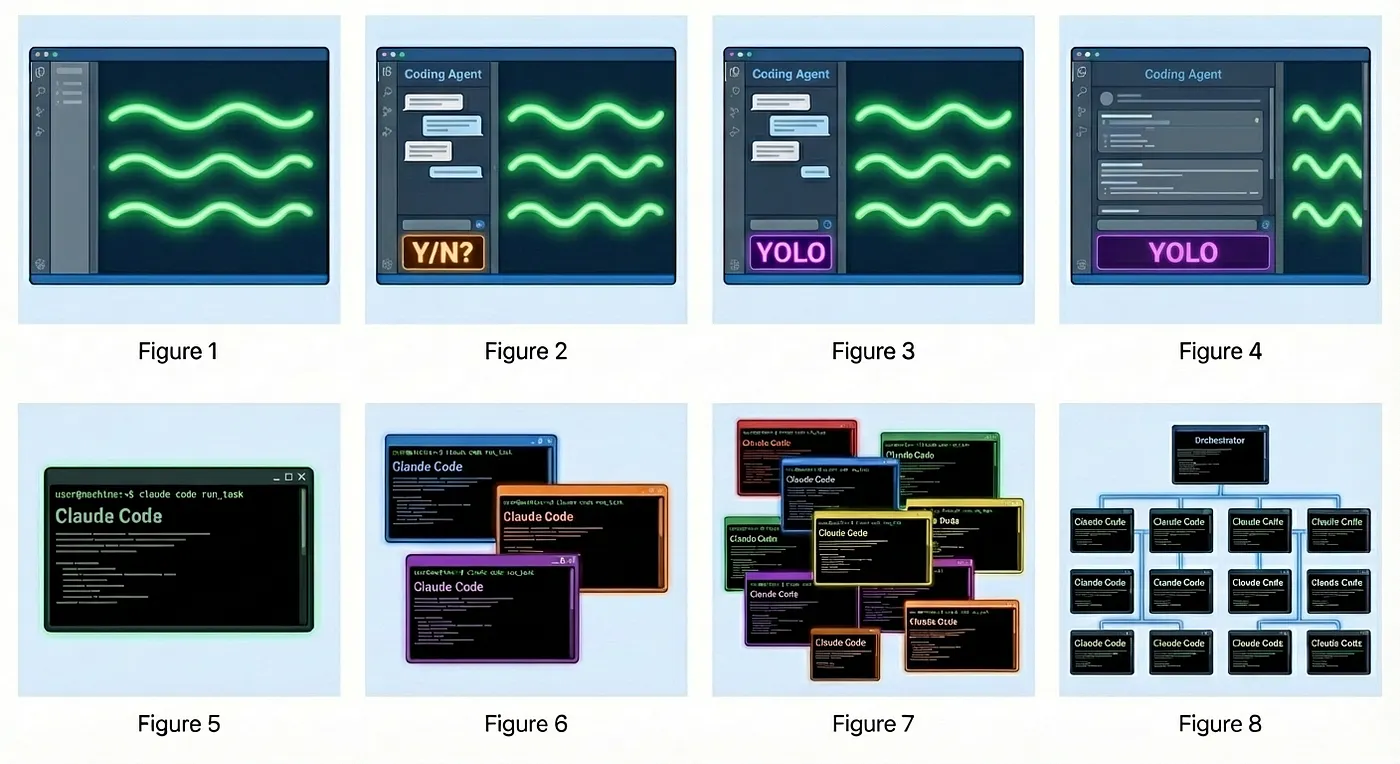
The more you hand the keys over to AI, the more you have to think about safeguards so you can sleep at night. Here's our current philosophy:
AI should have 99% of the power, then need human approval for the last 1%.
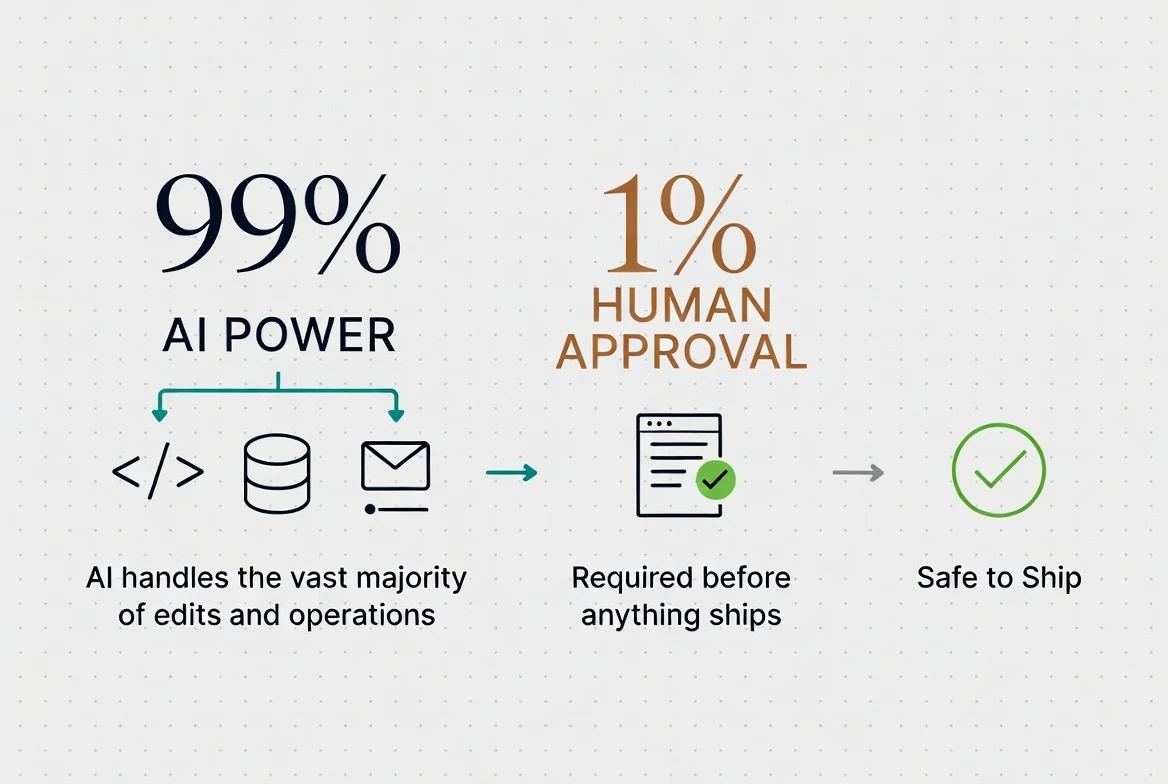
That's the approach we've been taking at Whalesync. I wish I could quantify how much our productivity has gone up, but it feels like it's gone through the roof. Maybe if I were more motivated I'd crunch the numbers, but more companies are seeing this every day as they adopt AI agents for business ops, so I don't think I need to convince anyone.
Here's what we've learned so far.
Give AI read-only access to everything
AI agents are only as good as the context you give them.
An agent with no context is like a new hire on day one. It's smart, it's eager, and it has no idea what your company does, who your customers are, or how your company operates. Just like with a new employee, you need to give AI read-only access to as much as possible. If you're comfortable enough with your data and the AI you use, this can literally be 100% read access.
When I set up my email workflow, the thing that made it click wasn't the Gmail connection. It was giving Claude read access to our company wiki, source code, support channel, task tracker, and call recordings. Once it could read everything, it stopped just being an email-sorting bot and became a real problem solver that knew everything it needed to. This is the same advice that YC now gives.
Reading is safe. The whole reason people are nervous about AI agents is that they might do something bad. If you let it send the wrong email or delete the wrong record, you're in trouble. Reading does none of that. Connect every read-only source you can, because the downside is close to zero.
Source of truth should be stored in the cloud
If anything really matters to you or your company, it should be saved somewhere not on your local computer. This isn't new advice, but it's worth reiterating now that AI is in the mix.
Why does it matter so much now? Three reasons.
Context. As new context is created, these updates need to be shared among your team ASAP for the best results. That way everyone's AI agents work off fresh data, not stale copies.
Conflict resolution. AI will occasionally propose changes that conflict with edits your team members just made. Only one place can hold the current "truth," and that's what you reconcile against.
Safety. If your machine dies, how do you restore all that important info? Nothing new here, but worth stating for completeness.
For us, this means code and infrastructure live in git, and our critical SaaS data has a canonical home too.
Version control anything that AI edits
If you're giving AI access to important editable data (like most SaaS tools), and that data isn't in version control, you're playing with fire.
You're relying 100% on the SaaS product's own rollback features, and at Whalesync we've learned the hard way that these are often woefully underdeveloped. "Don't these apps have built-in undo? What's the worst that can happen?" If you've seen what we've seen, you would know how messed up things can get.
Engineers have known this for years. It would be insane to develop a live product without version control. Now that we're giving probabilistic text generators edit access to our critical systems, it makes sense to extend this safety into business data. If you ask AI to change 1,000 records in HubSpot, do you expect it to one-shot it perfectly? What if it gets it wrong? How would you even know?
Version control gives you the two things you need: a diff to review before anything goes live, and a full history to roll back to when something slips through. This is exactly why we built Scratch on top of git and why we're using it with our own SaaS tools.
Only let AI write to safe zones
What do I mean by "safe zones"? It can mean a few things:
- In low-risk tools like Linear, a safe zone can be one-off edits through an MCP server. That's pretty safe.
- In high-risk tools like a CRM, the safe zone is a local, version-controlled copy of the records that you review before publishing.
- In code, a local version-controlled repository is the industry-standard safe zone.
Software developers already have this safe zone for source code. If your team doesn't... well, time to fix your setup (but I'm sure they do, right?).
A safe zone is only half of it, though. The other half is how carefully you review what comes out, and that scrutiny should scale with the risk. When shipping code to Whalesync and Scratch, the closer a change gets to user data, the harder we look at it. A UI tweak gets a quick glance. Anything that touches our Postgres database, the code that actually reads and writes customer records, gets reviewed with a magnifying glass. This would apply to non-code as well: text updates to our marketing site? Quick glance. Updates in Stripe or our customers in our CRM? Magnifying glass.
Until now, we haven't really needed a safe zone for SaaS data. Edits were almost always made by humans and in small amounts. The changes automations made through tools like Zapier, n8n, or Whalesync were set up carefully ahead of time. Now, with AI agents, it's the wild west of editing SaaS data live. Usually it's fine, but sometimes it goes very wrong, and it's hard to undo.
Internally at Whalesync, we route all of our main SaaS data through Scratch. It gives us peace of mind that we can review changes to our critical business data before they go live, and if we make a mistake, we can undo it.
This is what lets you go fast and run Claude in dangerous mode. Just set up your workspace so it can't do any real damage. That's how you get the best of both worlds: power and safety.